
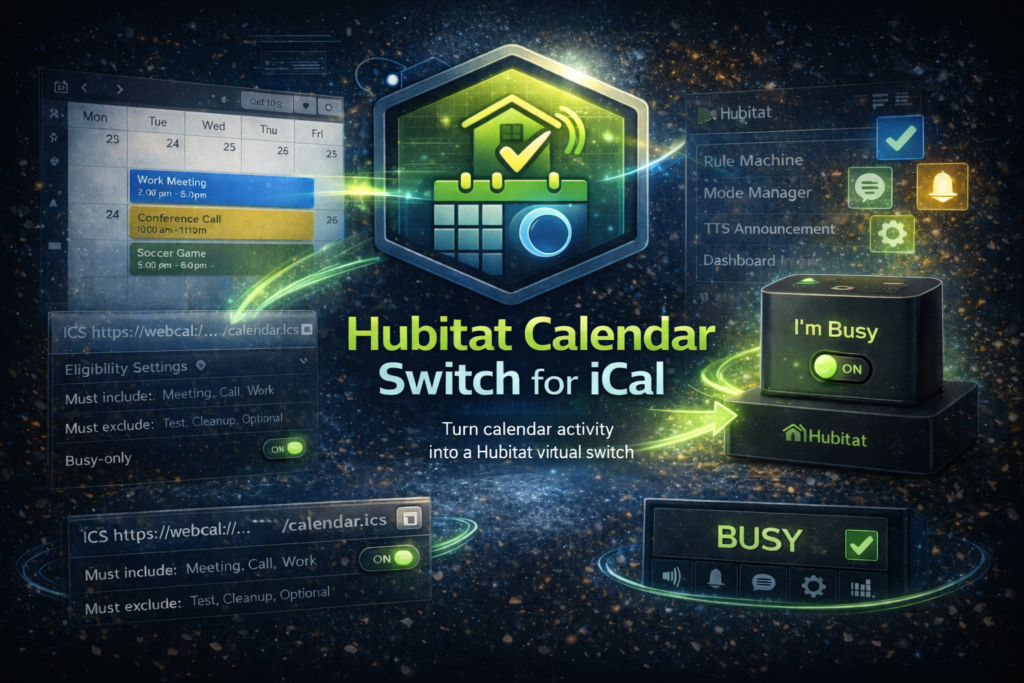
Turn calendar activity into a Hubitat virtual switch
If you use Hubitat and keep your life in a calendar, you’ve probably wanted a simple way to translate “I’m busy” into automation logic. Hubitat iCal Switch does exactly that.
This driver monitors an iCal/ICS feed and maps eligible calendar activity to a virtual switch. When an event is active (based on your rules), the switch turns on. When you’re free again, it turns off. From there, you can use the switch in Rule Machine, Mode Manager, notifications, dashboards, and more.
Note: if you need to log in to your Outlook or Google calendar, check out the OAuth version.
What it does
- Monitors an iCal/ICS calendar feed and tracks upcoming and active events
- Turns a virtual switch on or off based on eligible calendar activity
- Filters events using keyword include or exclude rules
- Supports event eligibility controls (busy-only, tentative, declined, all-day)
- Uses the hub’s timezone for display and scheduling
- Handles Outlook / Microsoft 365 timezone metadata (X-WR-TIMEZONE and VTIMEZONE)
- Expands common weekly RRULE patterns and applies RECURRENCE-ID overrides
- Uses transition-based polling at event boundaries plus a regular polling cadence for resilience
Why this is useful
- Quiet hours when a “Meeting” event is active
- Auto-silence announcements, chimes, or TTS during appointments
- Pause robot vacuums or reduce HVAC setbacks while you’re on a call
- Trigger “work mode” only when your calendar shows you’re busy
- Drive status indicators on dashboards (Busy / Free)
How it works (high level)
- Provide an iCal/ICS feed URL
- The driver periodically checks for calendar updates
- Events are evaluated against your eligibility and keyword rules
- The driver determines whether an eligible event is currently active
- The virtual switch is updated accordingly
Getting started
Prerequisites
- A Hubitat Elevation hub
- An iCal/ICS feed URL from your calendar provider
Install and configure
- Add the driver code to Hubitat (Drivers Code)
- Create a new Virtual Device using the Hubitat iCal Switch driver
- Paste your ICS URL into the device preferences
- Configure eligibility settings and keyword filters
- Save preferences, then verify switch behavior as events start and end
Support
If you need help, use the Support page on this site and include:
Relevant logs or screenshots (redact any sensitive details)teps to reproduce, and any relevant logs (redacting keys/tokens).
- Project name and version
- Hubitat model/firmware
- What you expected vs what happened
- Steps to reproduce